Using the DCKAP Integrator App
The DCKAP Integrator web app is designed in a way to make user navigation self-reliant and easy to access. The design of the Dashboard and Project modules follow a procedural approach, in order to cater to every element in the Data Integration Life-Cycle.
General Menu
On the left side of the page, a Quick Navigation Bar is available with the following icons:
| Menu Name | Icon | Description | |
|---|---|---|---|
| Projects/Dashboard |  |
Create and manage projects | Navigate |
| Analytics |
|
A quick overview of project stats | Navigate |
| Invitations | 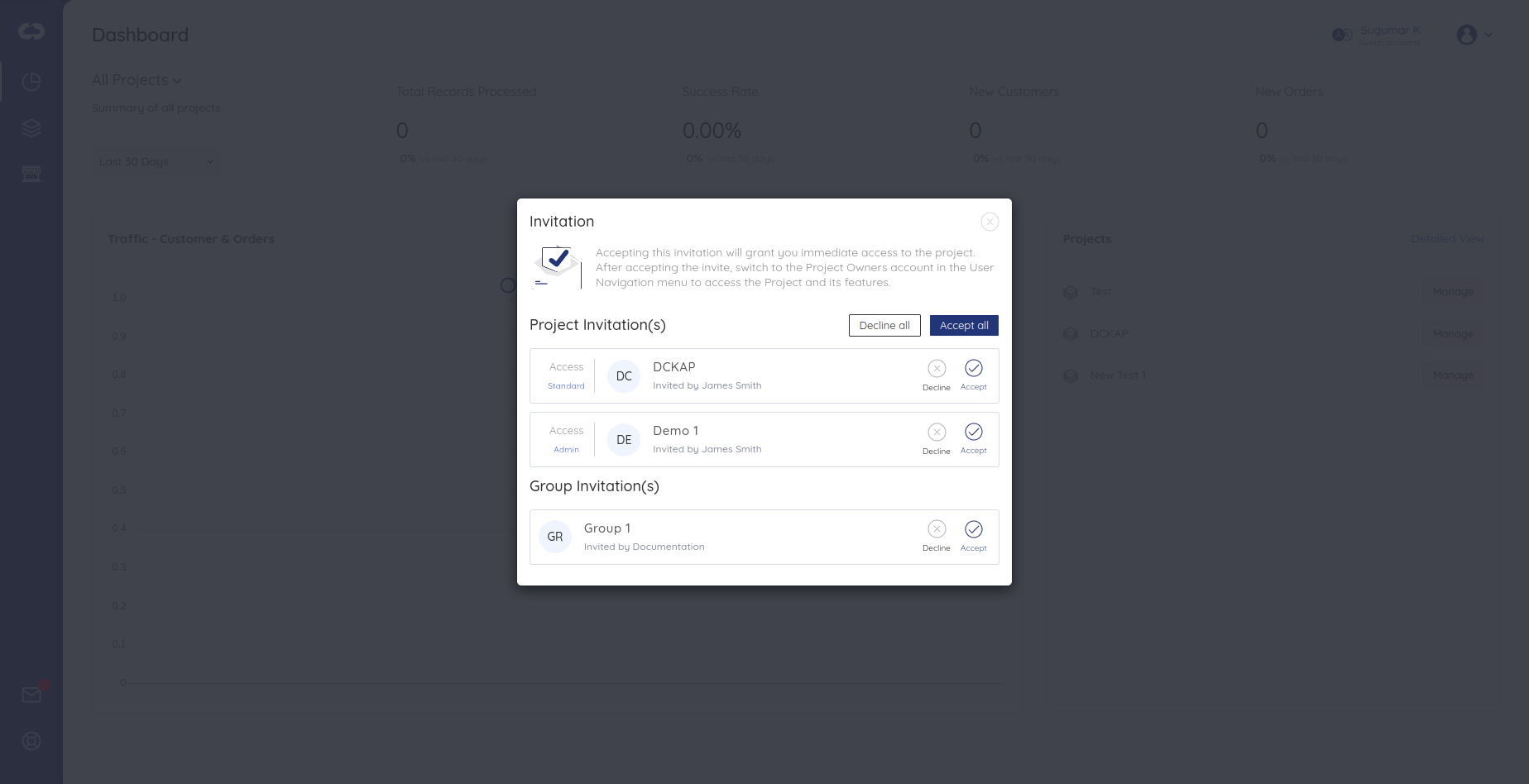 |
Respond to Project and User Group invitations | Navigate |
| Help and Support |  |
Access to Customer Support and DCKAP Integrator Documentation | Navigate |
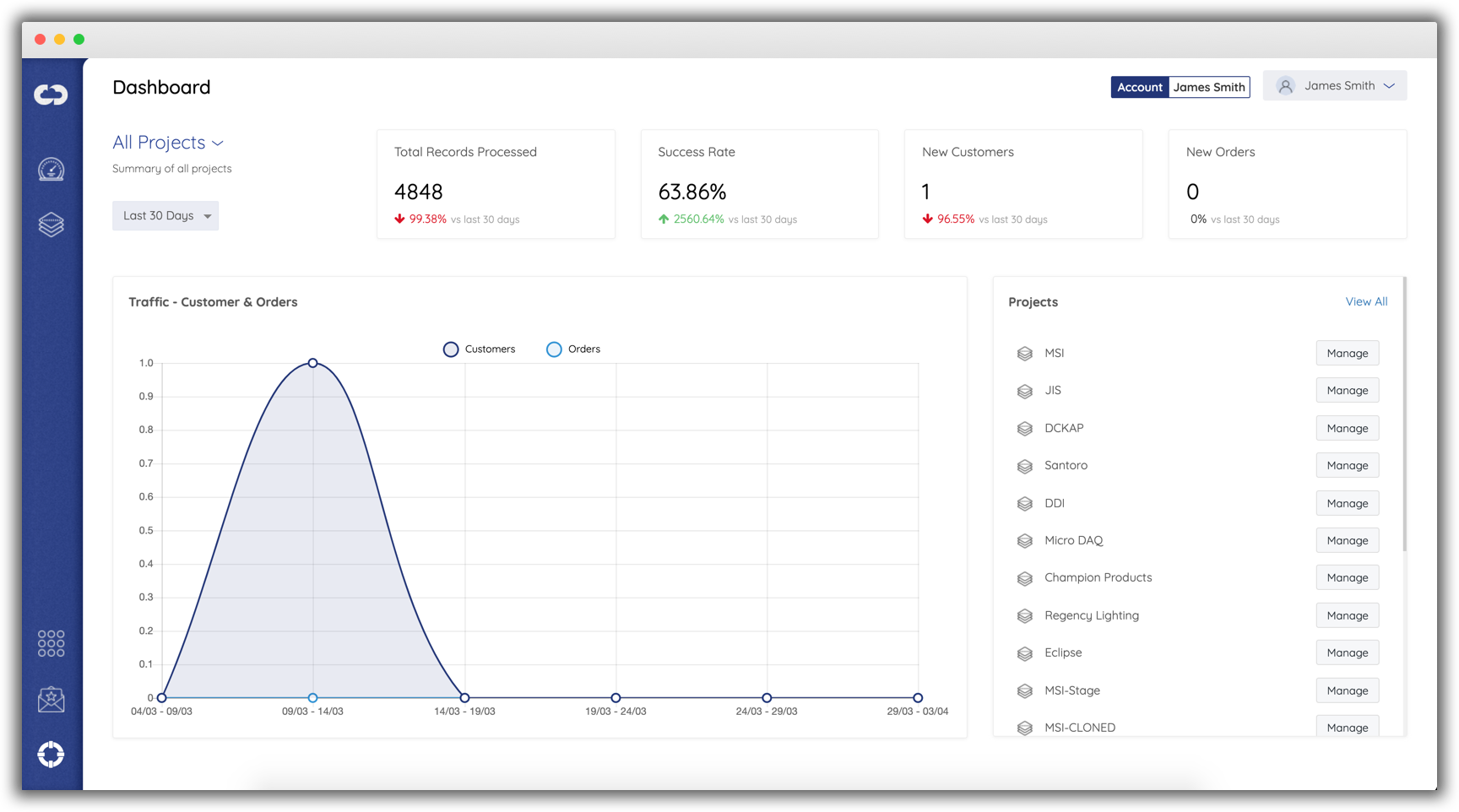
(Click on the Navigate link in each row to read more about each of the respective modules.)