### **Create Project**
After logging in to DCKAP Integrator, click on the Create Project button on the landing page.

### **Enter Project Details**
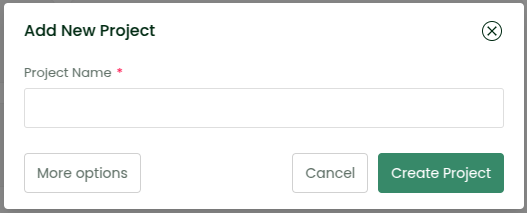
In the window that appears:
* Enter a unique name for your project (Example: My First Project)
* Click on the Create Project button
You can explore additional options later, but these are the basic steps to get started.