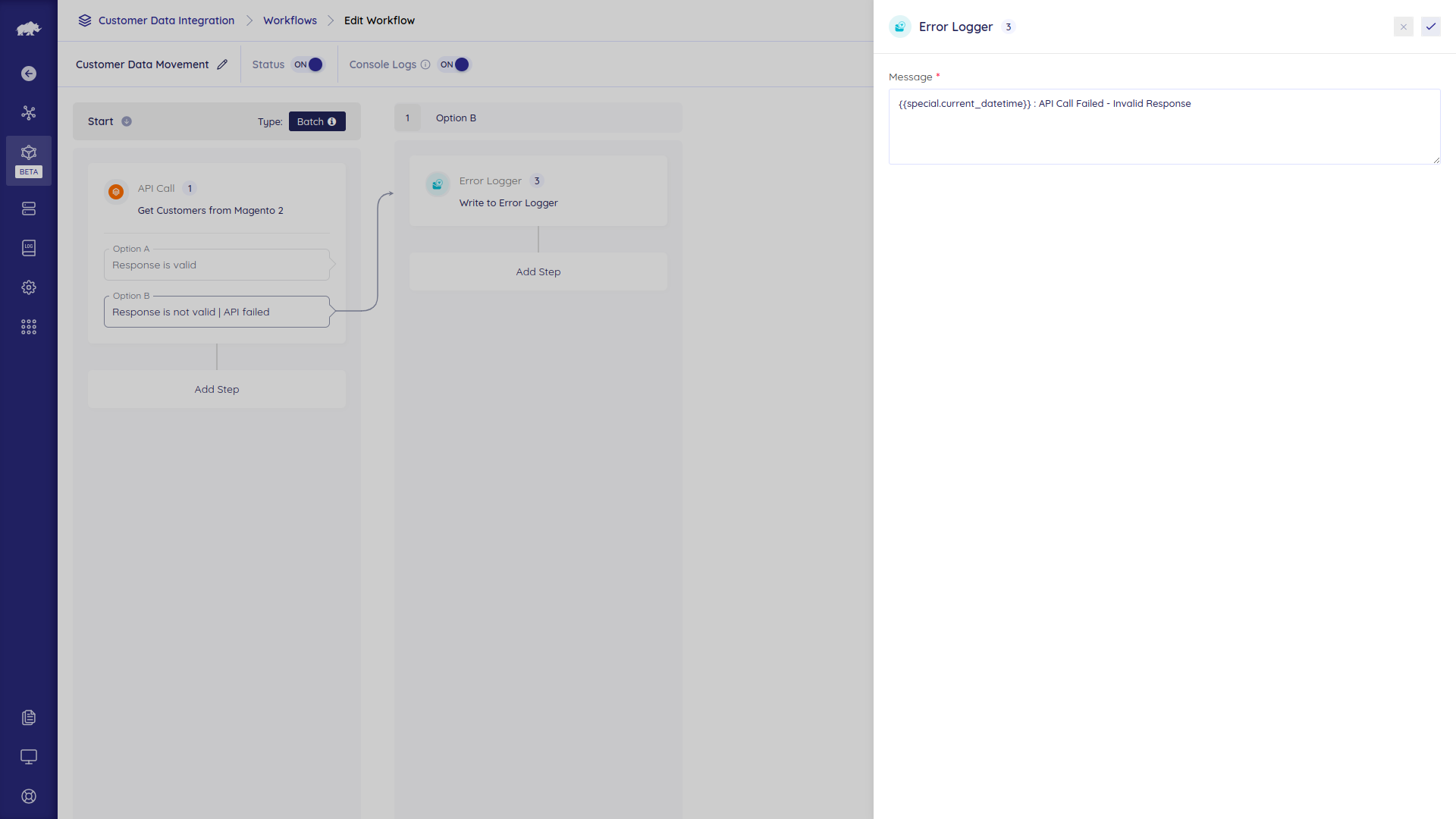
Error Logger handler is used to log any general errors or warnings in the flow. The Logs menu in the project area displays all the logs from the synchronization.
Options
- Message – Content to be logged. Shown on the logs page when the user clicks the “View detail logs” button. Message value character limit is 200.
Examples:
It can be a raw string
Unable to make the get products API because of missing category ID.
or a field from Data Hub
{{1.response.error_message}}
or both
Get products is failed. More details: {{1.response.error_message}}