What’s New – Key Highlights
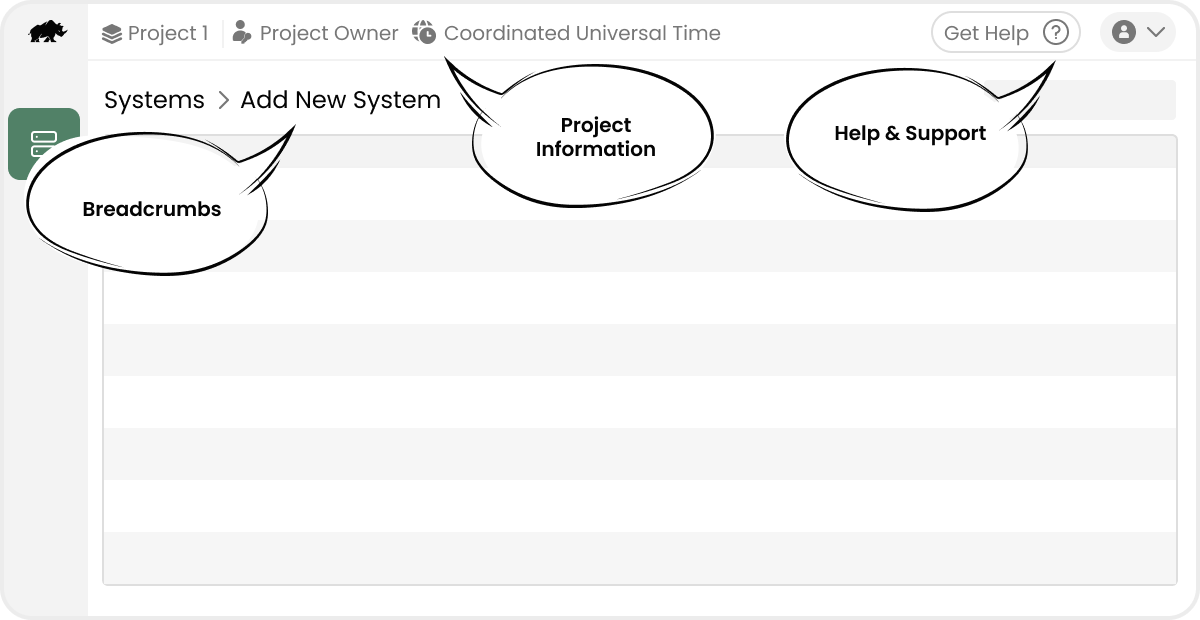
New Color and Layout
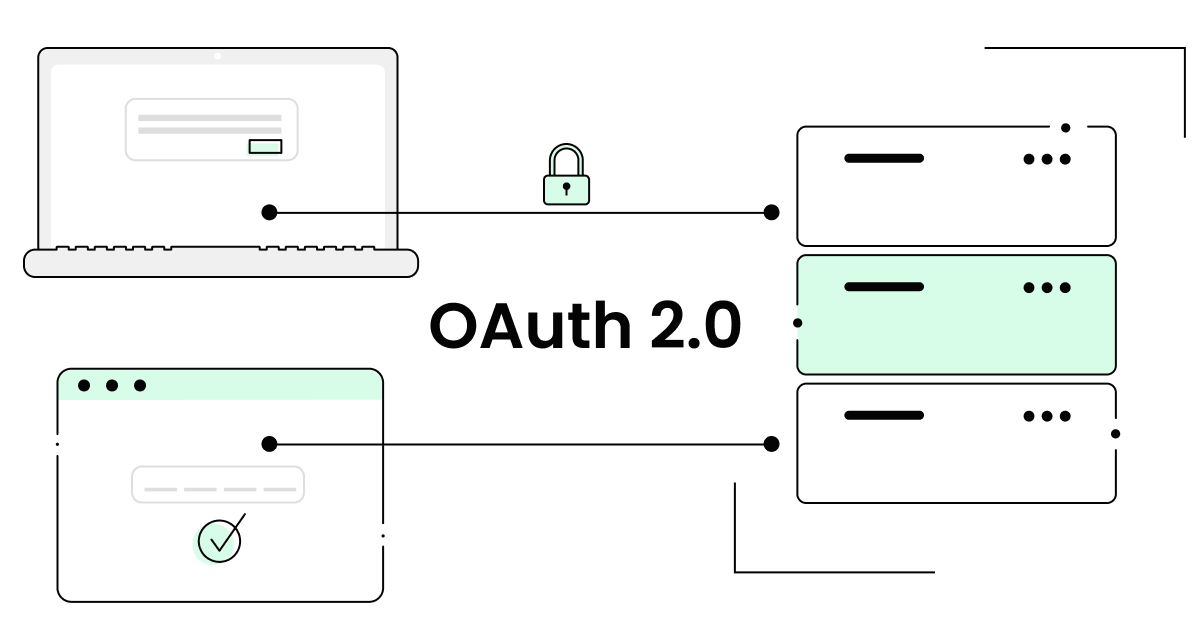
OAuth 2.0 Support
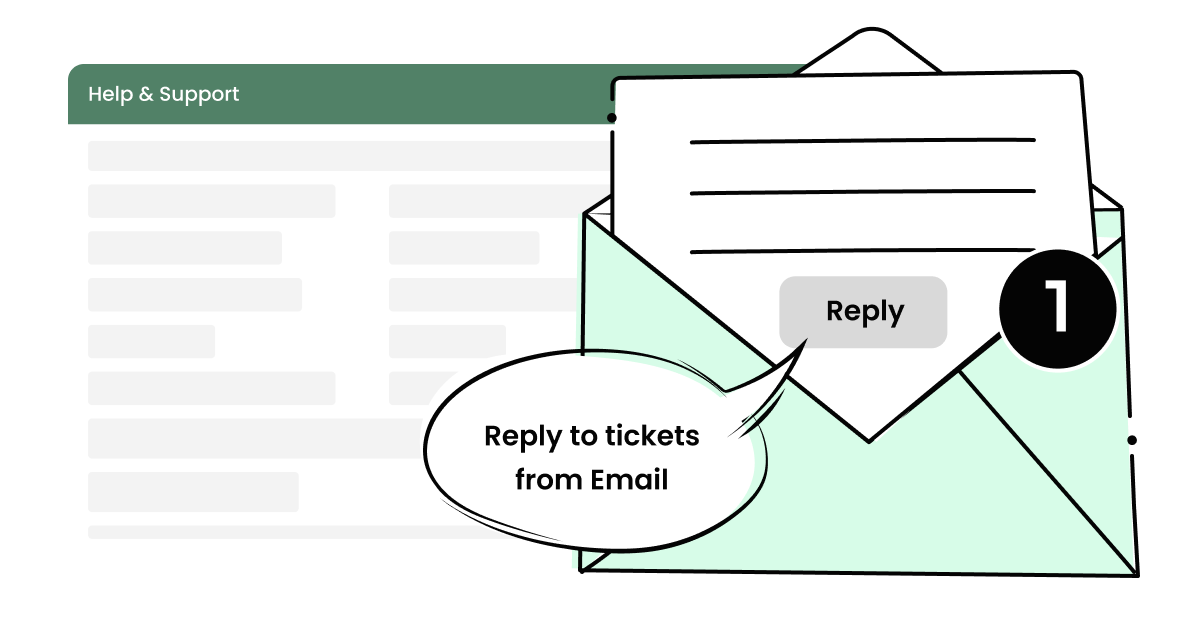
Reply via Email

Infrastructure Updates
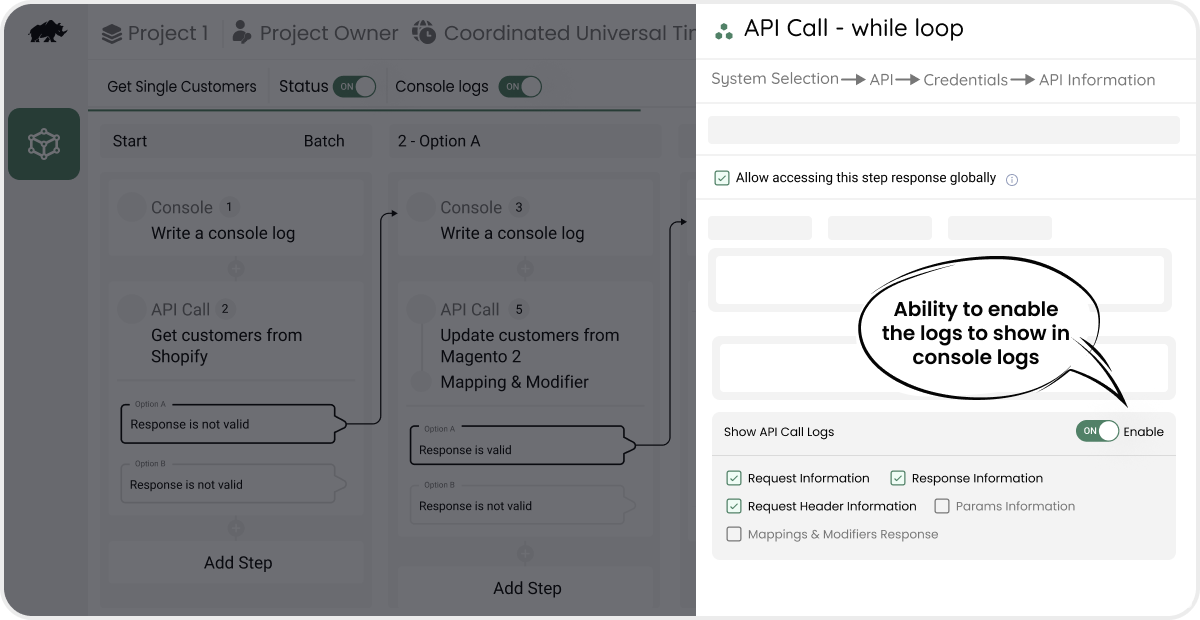
Console Logs
Features/Improvements
- A fresh new look for Integrator with new colour and cleaner layout.
- Crucial infrastructure updates now allow us to dynamically scale our system based on demand. These improvements ensure better performance and reliability as our load increases.
- Improved synchronization performance by optimizing database connections and adding indexes.
- Introducing OAuth 2.0 Support: Users can now easily add systems that use the OAuth 2.0 authentication protocol. Learn more
- Introducing Error Handling (Beta) in Workflows: Save and see all errors grouped in a single popup for easy navigation and fixes.
- Customers can now create a ticket by emailing support@dckapintegrator.com and can also reply to any of their existing tickets directly from their email. Learn more
- Allowing users to control the type of content logged in each step when console logs enabled. Learn more
- For Better Accessibility, Help & Support is now on the Top Bar.
- Credential keys in workflows are accessible only when enabled in the corresponding system credentials.
- Users can now control total, success and failure counters in detailed logs using the “Update Counters” checkbox in detail loggers.
- Starts With and Ends With capability added in condition builders.
- Added support to base64 and uuid packages in code runner.
- Ability to access dictionary/object keys of loop and search capability in DataHub.
- Added credential mapping ability when importing workflows.
Minor Improvements & Bug Fixes
- Minor design improvements to “replacers” in workflow edit page.
- “Return” step has been renamed to “Set Response” Step. It allows you to set the response to be returned for dynamic calls.
- Error loggers are deprecated. Recommended to use “Stop” tool instead.
- “Comment/Uncomment” has been renamed to “Skip/Unskip”.
- Flows/Workflows triggering encoded data in emails instead of raw HTML content has been fixed.
- Various issues with Cut, Copy, and Paste actions and API keys section have been fixed.
- Formatter issues when converting JSON to String has been fixed.
- Fixed issue in code runner when using functions.
- Addressed issues associated with break step.
- Detail log downloads are restricted to 10 MB.
- Addressed inconsistent behaviour in export messages for Mapping in Pipes & Workflows.
- Addressed escape sequence error(bad escape \u) associated with encoded characters.
- Timezone Reverts to UTC in Pipe Scheduler from user selected timezone – Fixed.
- Skipped handler will not be shown in the data hub now.
- Duplicate names in credentials are restricted now.
- General validation for condition builder added.
- Addressed out of scope/invalid index issues in workflows.
- Added redirection to specific background task from email.
- Applied filters in grid is being removed when navigating pages – Fixed.
- Persisting last visited page and limit even when switched to different projects or pages.
- Added description for loop step & showcasing it in the datahub for easy reference.
- Console log viewer throws 500 error when workflow/pipe name has a comma or other special characters – Fixed.
- Global Variables: After changing the dropdown or saving, the auto-selection issue of datatype is now fixed and works as expected.
- Project Settings: Fixed an issue where General settings could not be saved after deleting an email ID and disabling “Enable Failure Alerts.”
- Workflows Formatter: Fixed a bug where entering invalid values in the Output Date Format field during time zone conversion showed outdated data in the console.
- Errors in the JSON log viewer are highlighted in different colour.
- Various minor frontend issues.