### Initialize Variable
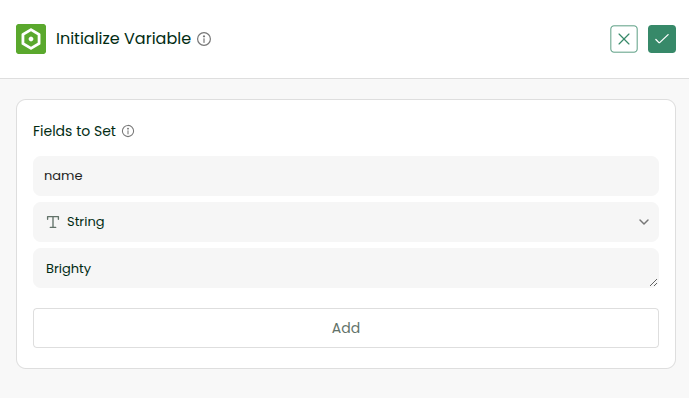
Create a new batch workflow. Initialize variable called name which is a string and give your name as value by clicking on the Initialize Variable button as shown below

### Configure Console
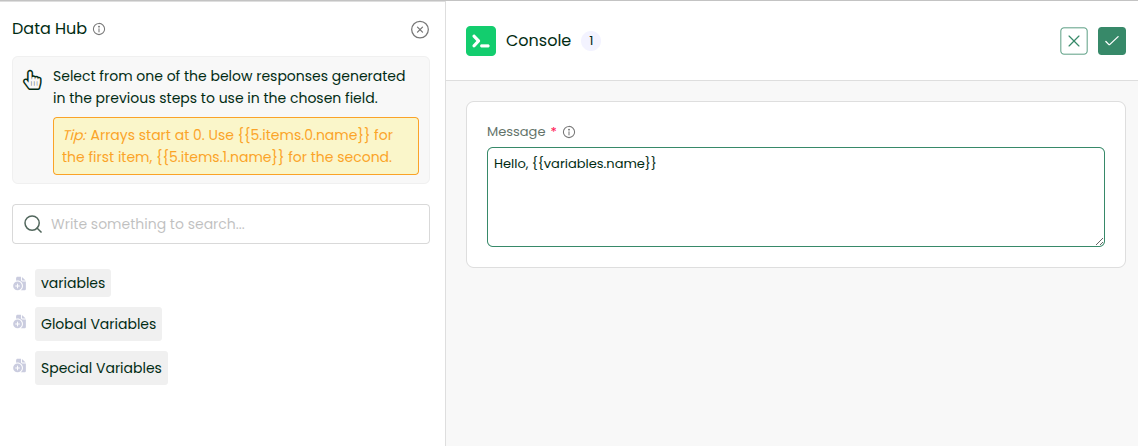
Add Console Tool. In the message field, type Hello, followed by a space. Then click the Plus icon before Variables in the Data Hub and select name to insert the variable value.
### View Console
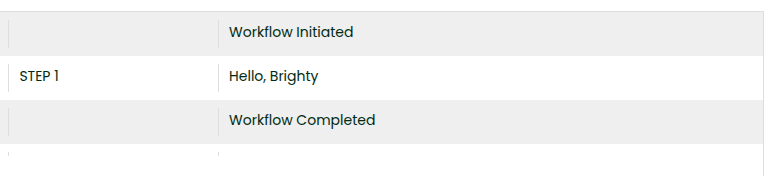
In settings, turn on the console logs for the workflow. Run the workflow by clicking on Sync Now Button. Check logs from Logs -> View Console.