What’s New – Key Highlights
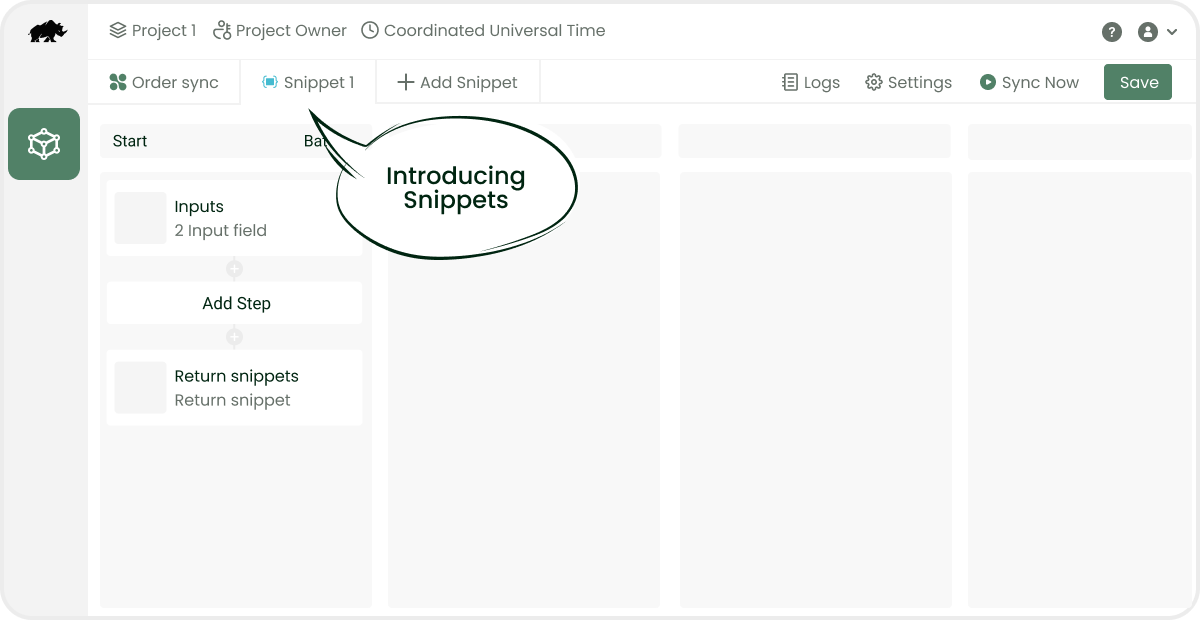
Introducing Snippets
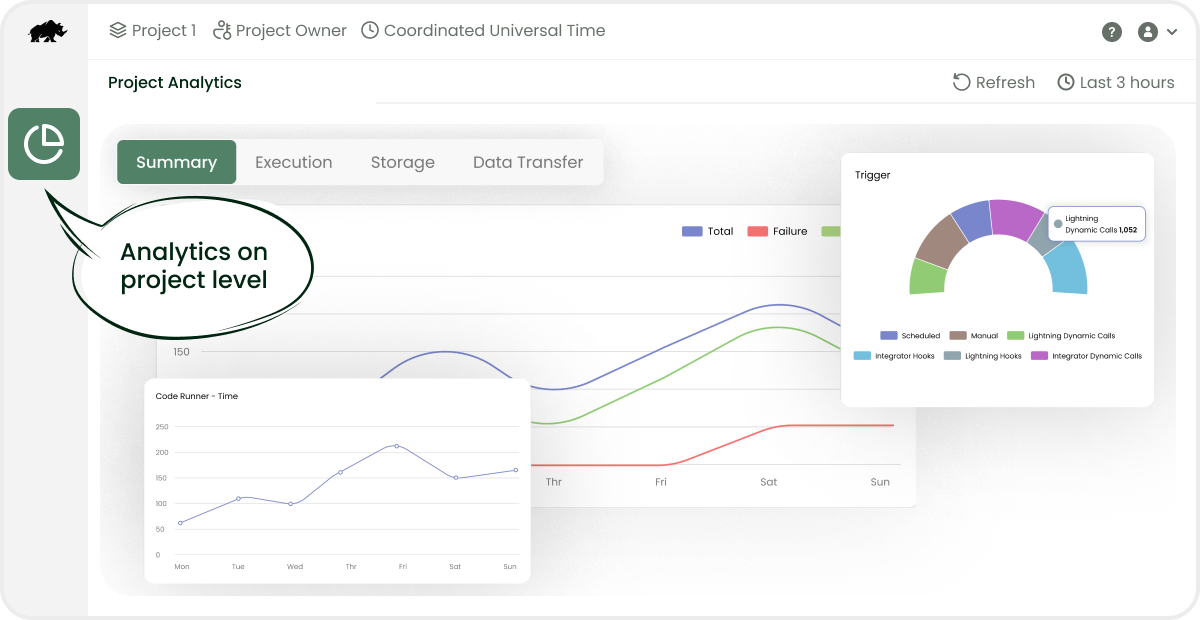
Project Analytics
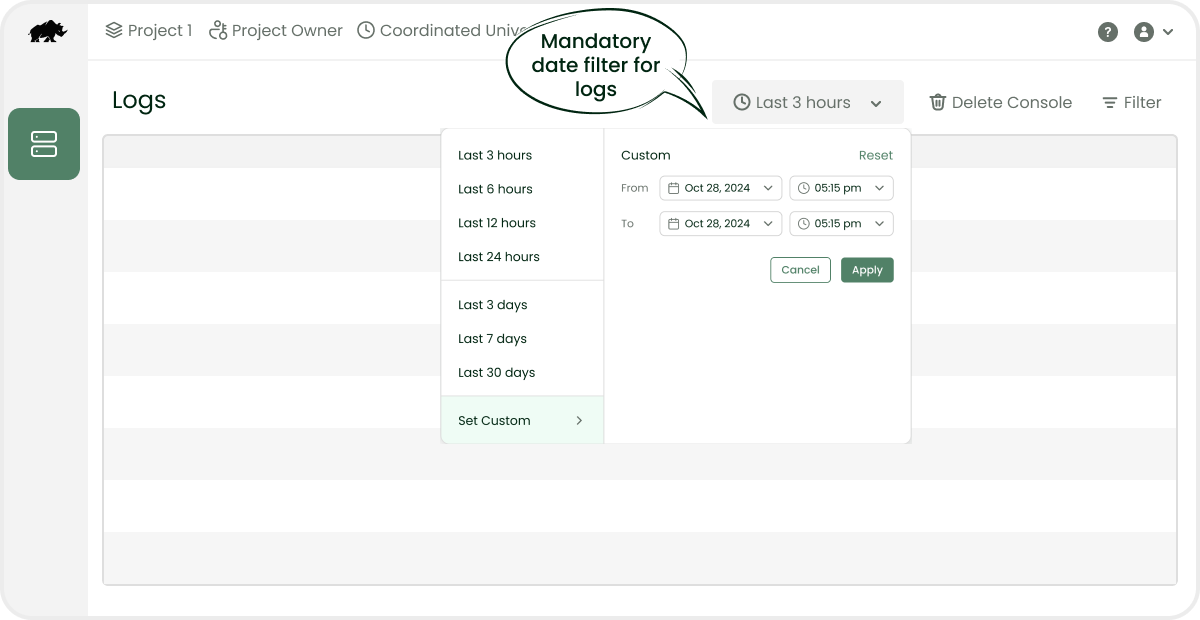
Logs Date Filter
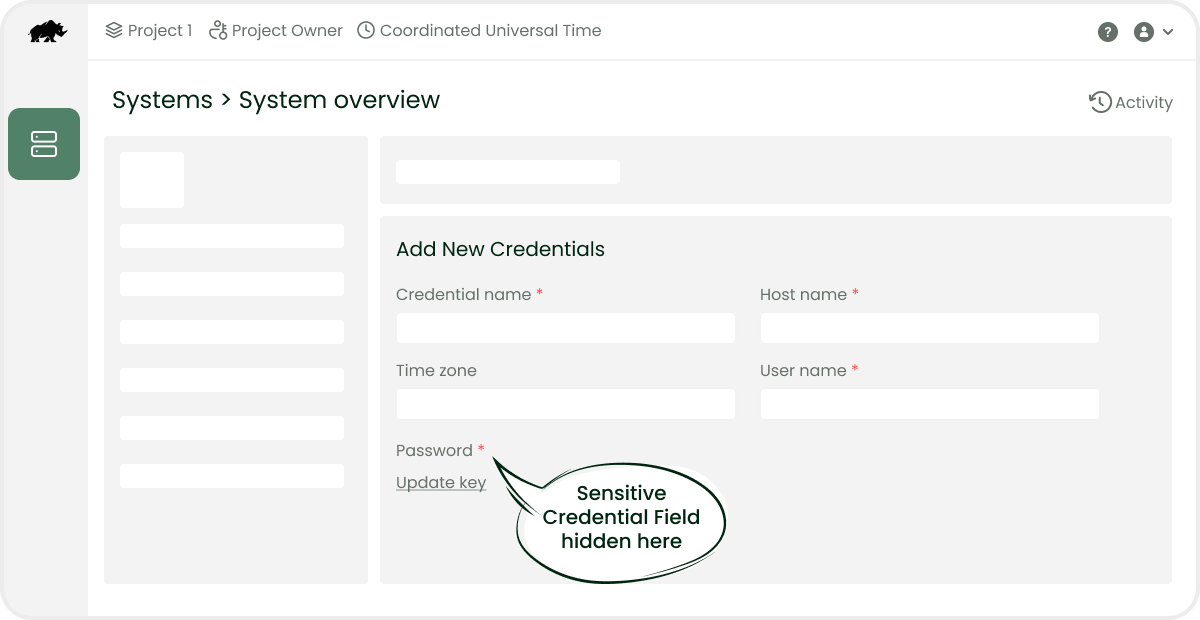
Sensitive Fields
DCKAP Integrator Release February 2025, Version 4.3.0 – What’s New?
Features/Improvements
- Introducing snippets in Workflows to enhance readability and reusability within a workflow. Learn more
- Architectural changes have improved the performance of the Logs and Detailed Logs pages. A date filter is now mandatory on log pages to improve performance.
- Analytics has been added to Projects, allowing all project members to access the analytics section. Learn more
- Global Errors and Warnings for Workflows have been improvised to facilitate easier debugging.
- Sensitive credential fields like passwords and secret keys can no longer be viewed after creation for security reasons. However, they can still be updated.
Minor Improvements & Bug Fixes
- Minor design improvements have been made, including increasing the boldness of grey text, adjusting it to a darker shade for better readability and improving all grid/list page headers.
- The Exchange section has been removed for new projects. It will be reintroduced once Workflows support is added to Exchange.
- Workflow UI Improvements: The Status, Debug Mode and Console Logs switches have been relocated to Workflow Settings.
- The validation issue when clearing email id in the Add Users section has been fixed.
- Resolved an issue where missing or incorrect data was displayed when a user received a group invitation.
- Removed Exchange from the default landing screen options in Account Settings.
- Restricted the creation of projects with duplicate names in Project Settings.
- Restricted the use of inactive private systems.
- The special variable
current_pipeis renamed tocurrent_workflowfor workflows. - A new category, Change Request, has been added under Support Tickets to facilitate requests for implementation changes.
- Timezone issues associated with the analytics graphs have been addressed.
- Returning
[], {}, falsevia Set Response step will no longer result innull; they will return as it is. - Exceptions meta data are handled and logged in API calls for Analytics.
- Resolved the issue of multiple scrollbars appearing in the User Group section when multiple users are added.