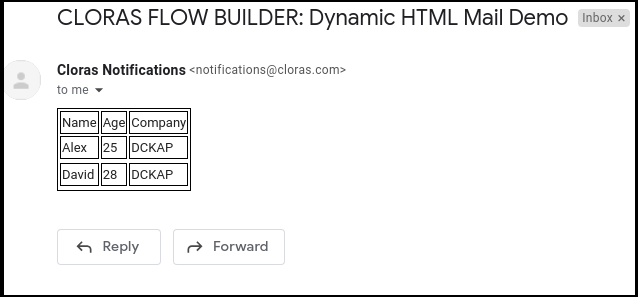
Sends an email from the workflow to the given recipient list.
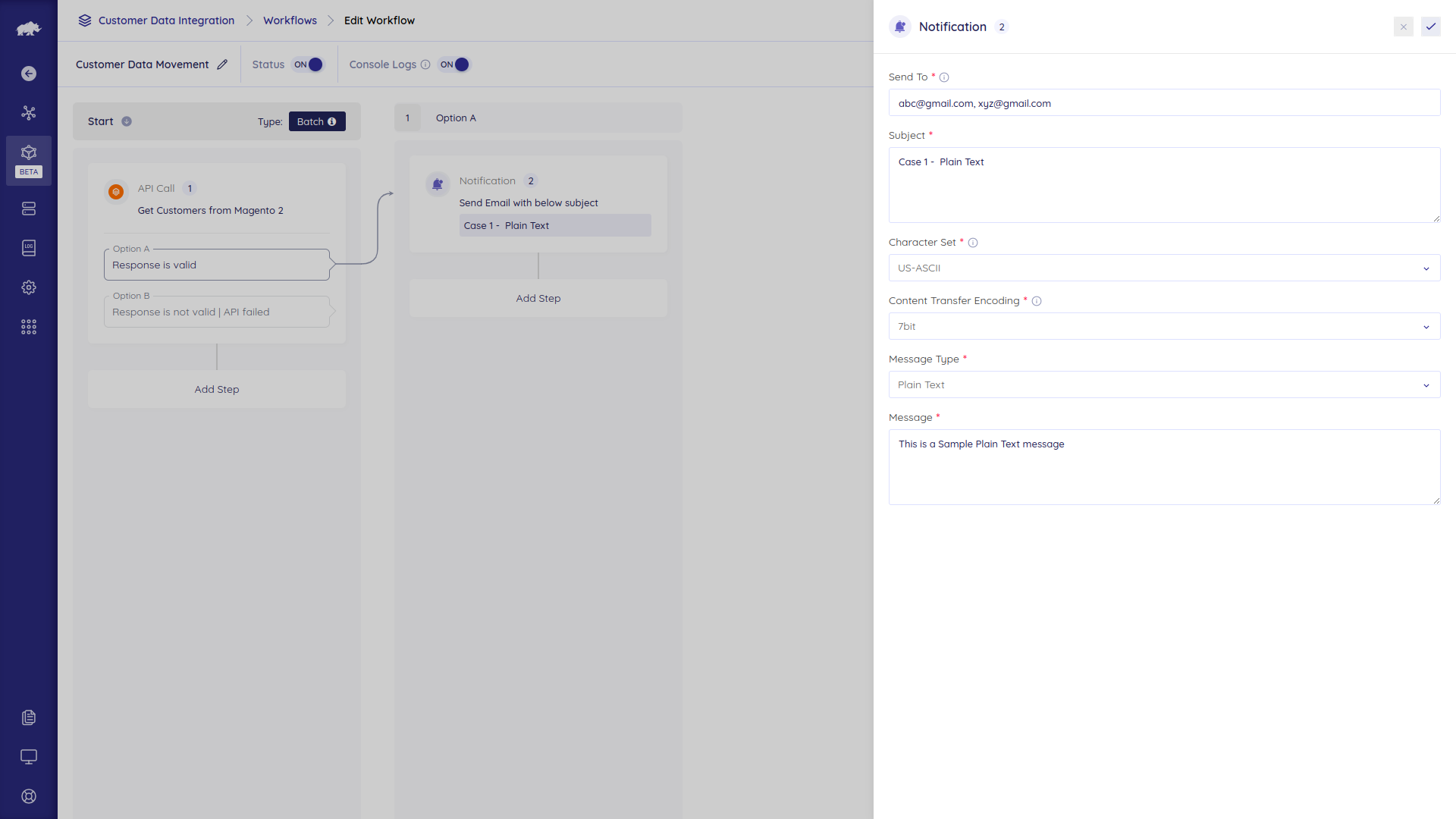
Options
- Send To – Recipient emails in comma-separated values
- Subject – Subject line of the email. Keep it short.
- Character Set – To be interpreted in the emails. Options:
US-ASCII, ISO-8859-1, UTF-8 - Content Transfer Encoding – Mail encoding method. Options:
Quoted Printable, Base64, 7Bit, 8Bit, Binary - Message Type –
Plain Textfor sending string messages.HTMLfor sending mail as per a template - Dynamic Data – Only for the
HTMLmessage type to pass the dynamic data. Provide in JSON format. - Message – Email Content or Body.
Examples
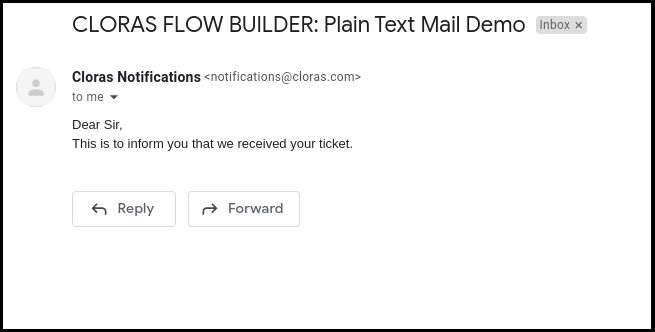
Plain Email
- Subject:
Plain Text Mail Demo - Character Set:
US-ASCII(Default Value) - Content Transfer Encoding:
7 bit(Default Value) - Message Type:
Plain Text -
Message:
Dear Sir,
This is to inform you that we received your ticket.
HTML Email without dynamic content
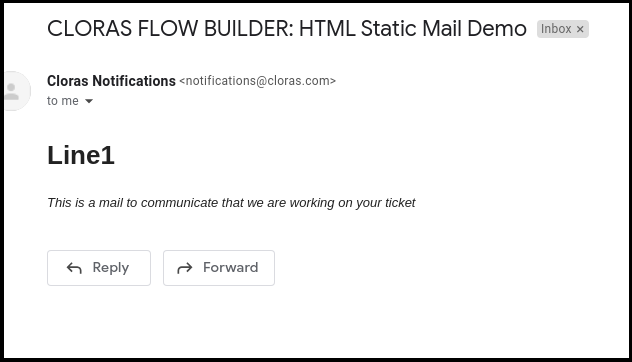
- Subject:
HTML Static Mail Demo - Character Set:
US-ASCII(Default Value) - Content Transfer Encoding:
7 bit(Default Value) - Message Type:
HTML -
Message:
html

<html>

   <head>

      <h1> Line1 </h1>

   </head>

   <body>

      <i>This is a mail to communicate that we are working on your ticket </i>

   </body>

</html>
HTML Email with dynamic content
- Subject:
Dynamic HTML Mail Demo - Character Set:
US-ASCII(Default Value) - Content Transfer Encoding:
7 bit(Default Value) - Message Type:
HTML -
Dynamic Data
json

{

    "keys": ["Name","Age","Company"],

    "records": [

        {"name": "Alex", "age": 25, "company": "DCKAP"},

        {"name": "David", "age": 28, "company": "DCKAP"}

    ]
}
* Message:“`html
<!DOCTYPE html>
        <td>{{key}}</td>

     </tr>
     <tr>

                          <td>{{value}}</td>

                  <tr></tr>

     </tr>
  </table>
“`